
Login
Introduction
Go to the instellix Webportal to view your tenant and manage the assigned business models and cases.
You need a personal login to access the Webportal including a 2-factor authentication. If you'd like to log into the staging system a login via user name and password is sufficient.
Stage: https://portal.isx-stage-westeurope.instellix.io/{tenant-short}
Live: https://portal.instellix.io/{tenant-short}
Log into the instellix Webportal
To log in to the instellix Webportal, have the URL ready that you received during the onboarding process.
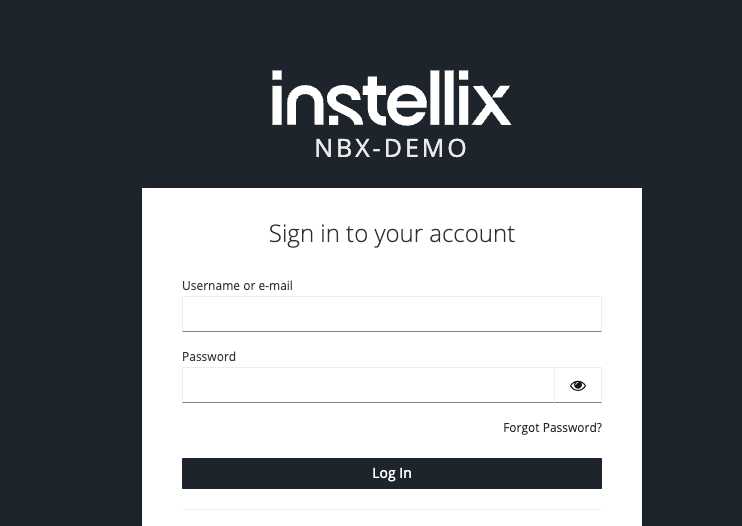
Click the URL to access the instellix login mask, enter your personal login data (username or e-mail and password) and click the "Log in" button.
Note: If activated by your administrator, you will then need to perform two-factor authentication (2FA) to log in to the instellix Webportal.
Log out
Before you leave the instellix Webportal, please log out using the "Logout" button. You can find the button in the upper right corner when you click on your name.
If you do not log out, your user session will be terminated automatically after 30 minutes of inactivity.
Updated 6 months ago