
Payment Assignment
Payment Assignment links a Payment Transaction to an open document (invoice, credit note, …) or an order, so open items can be cleared.
Assignments can be created:
-
Automatically — after categorization, using Matching Rules and the Merchant Payment Account assignment configuration
-
Manually — in the webportal or via API
-
As batch assignment — one payment clears several documents/orders → Batch Payment Assignment
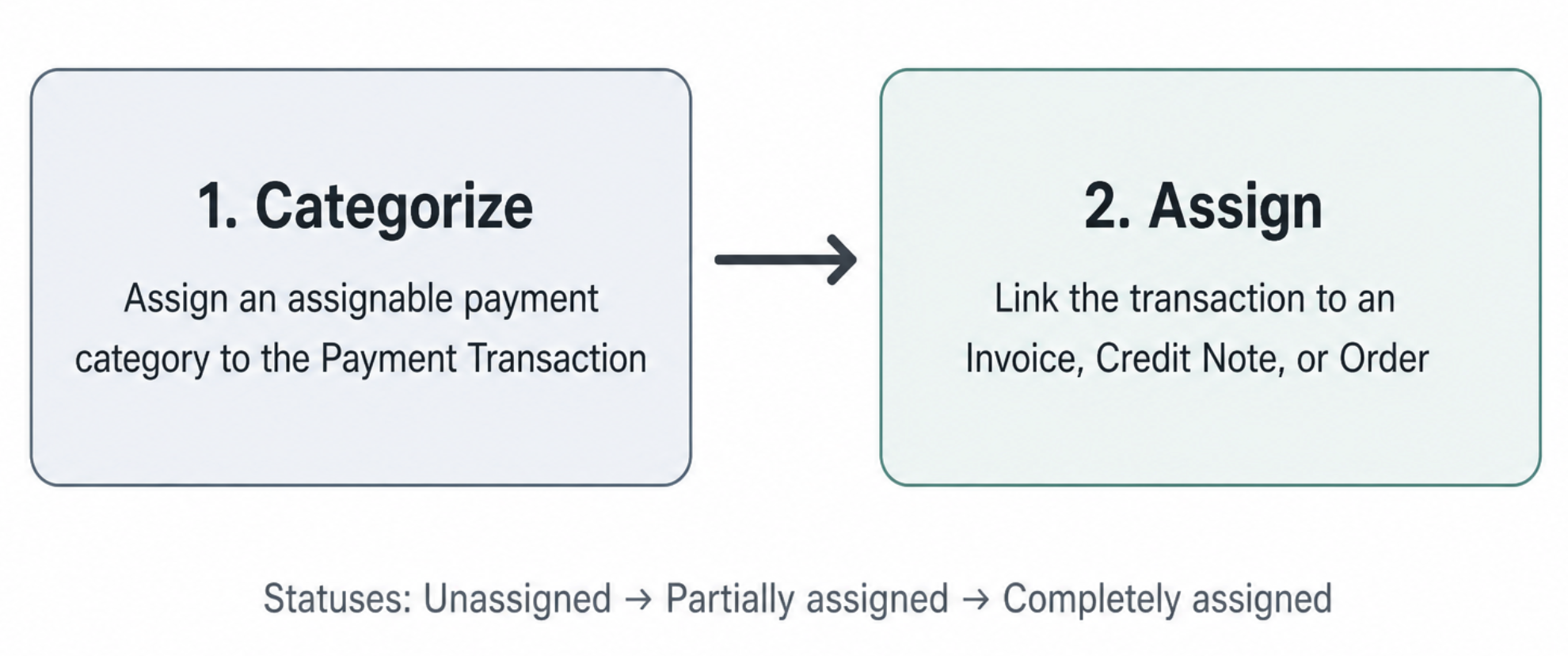
Categorize first, then assign.
The transaction needs an enabled and assignable Payment Category. Non-assignable categories (e.g. bank fees) must not clear invoices.
Assignment status
On the Payment Transaction:
| Status | Meaning |
|---|---|
| Unassigned | Nothing assigned yet |
| Partially assigned | Part of the amount assigned; leftover remains |
| Completely assigned | Full assignable amount assigned |
On each assignment record (API): ASSIGNED or REVERSED. Origin can be AUTOMATED or MANUAL. Assignments may happen before settlement (beforeSettlement) in full-service flows.
Targets
You can assign to:
- a document (invoice, credit note, deposit invoice, …) —
targetIdentType: DOCUMENT - an order —
targetIdentType: ORDER(typical for deposits / down payments)
If you assign to an order that already has exactly one associated document, instellix assigns to that document instead.
Manual assignment
Go to: Payment > Transactions
- Find the transaction (filter by sender, amount, category, booking/value date, …).
- Ensure it has an assignable category (Actions → Assign category if needed).
- Actions → Assign payment, or open Details → Assign payment.
- Choose target type invoice / document or order.
- Select the target and Save.
The transaction status becomes partially or completely assigned depending on amounts.
Change category after clarification
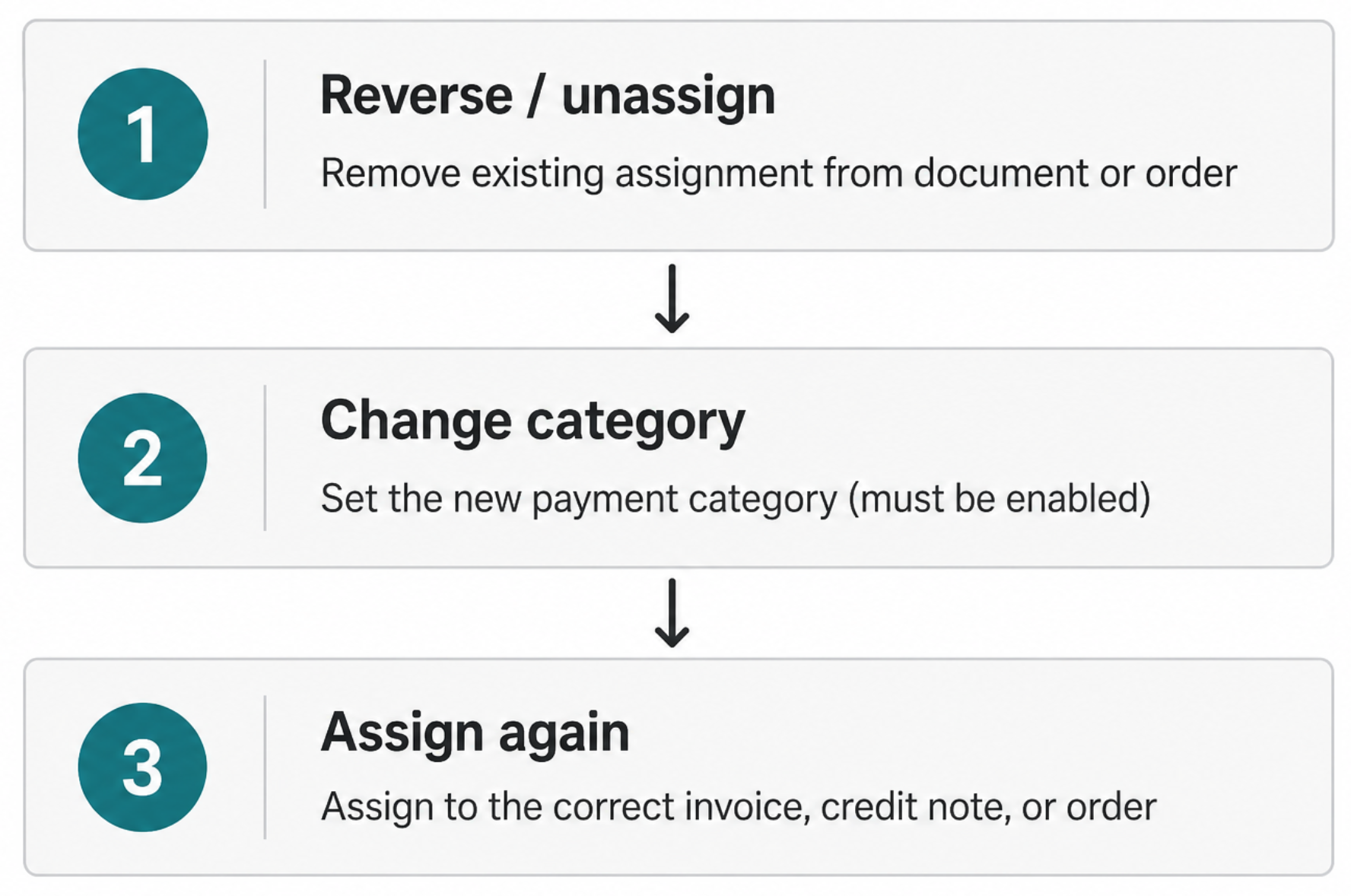
If a payment was categorized incorrectly (e.g. clarification case) and you need another category:
- Reverse / unassign existing assignments first.
- Change the category.
- Assign again to the correct document or order.
You cannot change the category while the transaction is still assigned.
Reverse an assignment
Reversing frees the assigned amount back onto the transaction (assignableLeftoverAmount is recalculated).
- Webportal: reverse/unassign from the transaction / assignment UI where available
- API:
POST /v2/payment-assignments/{ident}/actions/reverse
→ Reverse payment assignment
Automatic assignment
- Create Matching Rules (regex strategies) that extract document/order idents from the payment text.
- Attach strategies (with priority) to the Merchant Payment Account assignment configuration.
- Configure whether overpayment / underpayment auto-assignment is allowed for documents and/or orders.
When a categorized, assignable settlement/transaction arrives, instellix tries the strategies in priority order.
API
Assign
POST /v2/payment-assignments
Scope: accounts-receivable-management-write
| Field | Required | Meaning |
|---|---|---|
ident | Yes | Unique assignment ident |
paymentIdent | Yes | Payment Transaction ident |
targetIdent | Yes | Document or order ident |
targetIdentType | Yes | DOCUMENT or ORDER |
amount | No | Defaults to remaining transaction amount (or batch item amount) |
paymentBatchItemIdent | No | For batch item assignments |
Related APIs
- Query payment assignments
- Retrieve payment assignment
- MPA assignment configuration
- Regex matching strategies
Related articles
Updated 2 months ago